
Study AI: The Complete Guide to Using an AI Study Assistant to Learn Faster
Meet your AI study assistant — the study ai approach turns any lecture, PDF, or messy pile of notes into flashcards, quizzes, summaries, and a patient 24/7 tutor. According to the U.S. Department of Education’s guidance on AI in education, AI tools can personalize instruction and free up time for deeper learning when used thoughtfully — which is exactly the promise behind a good AI study tool. It’s built to help you actually understand the material, not to do your work for you.
An AI study assistant works in one loop: you upload what you’re studying, and it generates the study materials and explanations that used to take hours to make by hand — so you spend your time learning, not formatting. That loop is why the category has grown so fast, and why it’s worth understanding what these tools actually do before you pick one.

What “study ai” actually means
Clarify the intent up front: study ai here means an AI study assistant for students — a tool that explains topics, makes study materials, and quizzes you — not the academic field of studying artificial intelligence. The distinction matters because the two phrases look almost identical in a search bar but point to completely different worlds: one is a product category for learners, the other is a research discipline for engineers.
An AI study assistant, not “studying AI”
The category is mature. A few data points make that clear:
- StudyFetch reports 6M+ students on its platform.
- Quizlet says its AI study tools reach 60M monthly active users.
- StudyX cites 16M+ students worldwide.
- Mindgrasp says it’s used across 1,500+ schools and universities in 128 countries.
These aren’t experimental prototypes — they’re established products students already rely on for everyday coursework, from high school biology to graduate-level statistics.
The core promise
Turn passive material — a 40-slide deck, a recorded lecture, a textbook chapter — into active study tools in minutes. StudyX cites 6.5 hours saved per week and 92% of surveyed users reporting improved grades after adopting the workflow. The underlying idea traces back to well-documented learning science: research indexed by the National Institutes of Health shows that retrieval practice — testing yourself — outperforms simple rereading for long-term retention, which is precisely what flashcards and quizzes are designed to exploit.
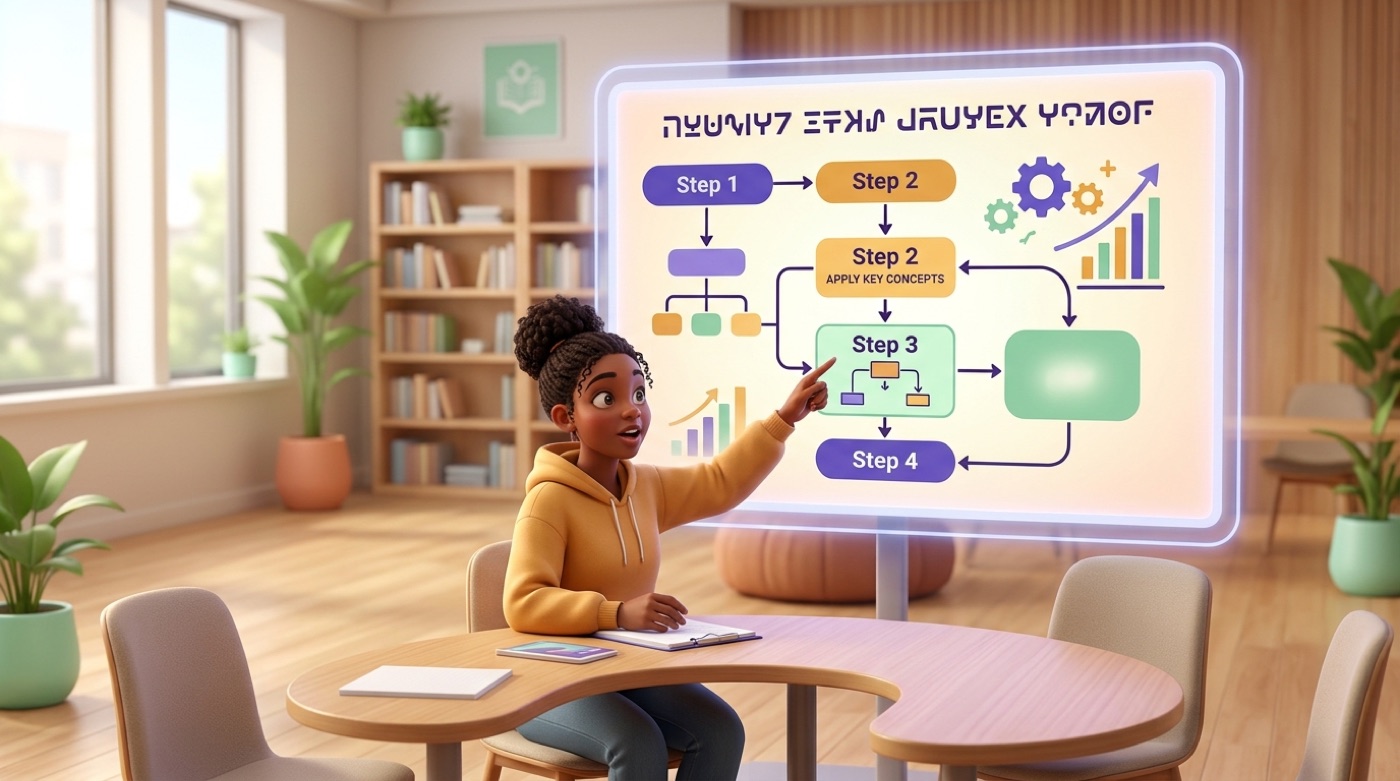
What an AI study tool can do
An AI study tool is really a bundle of separate features stitched around one input: whatever you upload. Most serious platforms accept the same range of source material:
- PDFs and Word documents
- Slide decks (PowerPoint, Google Slides)
- Recorded lectures (audio or video)
- YouTube links
- A photo of a handwritten problem or textbook page
Some tools lean into breadth, others go deep on a single feature, but the core set of outputs below shows up across almost every serious product.
| Feature | What it does |
|---|---|
| AI flashcards | Auto-generates term-definition, multiple-choice, fill-in-the-blank, and audio flashcards from your notes |
| AI quizzes & practice tests | Builds practice tests with instant feedback and explanations for wrong answers |
| AI notes & summaries | Condenses long readings and lectures into structured notes and study guides |
| AI tutor | Chat-based explanations on demand, including step-by-step problem solving |
| Homework help | Walks through a specific problem rather than just handing you an answer |
| Exam prep | Combines flashcards, quizzes, and a study plan aimed at a specific test date |
Flashcards, quizzes, and practice tests
Auto-generate flashcards and practice tests from your own notes. Instead of retyping vocabulary lists or copying definitions by hand, you drop in your source material and the tool builds term-definition, multiple-choice, fill-in-the-blank, and even audio flashcards — with instant feedback and explanations attached to every wrong answer, so a missed question turns into a mini-lesson instead of a dead end.
Condense long readings into structured notes. A recorded lecture or a dense textbook chapter becomes a summary and a study guide you can revise from later, cutting the hours normally spent formatting notes into something usable the night before an exam.
Chat with a 24/7 AI tutor. Ask it to “explain this like I’m five,” or request step-by-step problem solving on a specific equation. Some tools, like Penseum, go further with a voice tutor that watches your screen and catches specific mistakes as you work through a problem.

How it works — upload, generate, learn
The mechanics behind most AI study assistants follow the same three-stage pattern, regardless of which platform you choose. Understanding the flow helps you judge whether a given tool actually fits how you study, rather than just how it’s marketed.
- Upload your material. Drop in a PDF, slide deck, recorded lecture, YouTube link, or a photo of a problem. Most tools accept PDF, DOCX, PPT, MP3, MP4, and web links.
- Generate study tools. The platform produces flashcards, quizzes, notes, and a personalized study plan ordered from basics to advanced topics.
- Learn with proven methods. Good tools lean on cognitive science — active recall, practice testing, spaced repetition, self-explanation — tracking your progress from “unfamiliar” to “mastered.”
- Review on a schedule. Spaced-repetition scheduling resurfaces cards right before you’re likely to forget them, rather than cramming everything the night before.
- Check your weak spots. Quiz results and mastery tracking flag which topics need another pass, so review time goes where it’s actually needed.
Mindgrasp, for example, builds its pipeline around four cognitive-science methods rather than one, moving a topic from “unfamiliar” to “mastered” as you interact with the generated materials. That kind of tracking is what separates a real study system from a simple summarizer.

How to choose the right AI study assistant
Not every AI study tool solves the same problem, so the right pick depends on what you’re actually struggling with — breadth of coverage, a specific subject, or a particular study habit you want reinforced.
All-in-one vs specialized
All-in-one platforms such as StudyFetch, StudyX, and Mindgrasp cover flashcards, quizzes, notes, and tutoring in a single product. Specialists go deeper on one thing: ThetaWise focuses specifically on step-by-step math tutoring, RemNote pairs notes with spaced repetition, and Penseum centers its whole product around a live voice tutor. If your struggle is one specific subject rather than general organization, a specialist is often worth the tradeoff over broader coverage.
Free vs paid
Many platforms offer a genuine free tier, and paid plans range from around $7.99/month up to $11.99–$29.99 for unlimited or premium access.
| Tool | Free tier | Paid plan starts at |
|---|---|---|
| StudyFetch | Limited chats, study sets, and uploads | $7.99/mo (Base) |
| Quizlet | Basic flashcards and study sets | $7.99/mo (Plus), $9.99/mo (Unlimited) |
| StudyX | Yes — free homework help and notes | Premium tier available |
| RemNote | Core notes + spaced repetition | Paid tier for advanced flashcard features |
Before committing to a paid plan, check a few things on the free tier first:
- Daily limits on flashcard sets or quiz generations
- Upload caps (file size and number of documents per month)
- Whether the AI tutor chat is capped or unlimited
- Mobile app or Chrome extension availability
- Support for the subjects you actually need (math-heavy courses benefit from a specialist like ThetaWise)
Those limits matter most during exam week, when demand for generated materials spikes and a capped free plan can leave you short right when you need it.
Retrieval of previously studied information can increase its long-term retention more than repeated study or elaborative encoding of the information do.
National Institutes of Health — National Library of Medicine
That’s the same principle an AI study tool automates: instead of you writing quiz questions by hand, the tool generates them from your material so retrieval practice becomes the default way you study, not an extra step you have to remember to do.

Is using AI to study cheating?
The line is simple: using AI to help you learn is a study aid; submitting AI-produced work as your own is academic dishonesty. In practice, that means:
- Using AI to generate flashcards, quizzes, or notes from your own material — a study aid
- Asking a tutor to explain a concept or walk through a problem step by step — a study aid
- Having AI write an essay, solve a graded assignment, or produce answers you submit as your own — academic dishonesty
- Not disclosing AI assistance when your school’s policy requires it — a policy violation, even if the underlying use was reasonable
Formal policy is still catching up to that principle: the 2025 EDUCAUSE AI Landscape Study found that fewer than 40% of surveyed institutions had a formal AI acceptable-use policy in place as of spring 2025 — up from just 23% the year before. Where policies exist, most draw the same distinction: AI is allowed as a study tool and restricted as a production tool for graded work. The U.S. Department of Education’s guidance on AI in education similarly stresses that tools should support learning outcomes and human judgment rather than replace student work.
That distinction matters practically, not just ethically: a tutor that explains a concept helps you internalize it well enough to answer questions about it later on your own, while a tool that writes your essay leaves you without that understanding when the exam or interview actually tests it. AI can also get things wrong — a generated flashcard or explanation can contain an error, so treat it the way you’d treat a study partner’s notes: useful, but worth double-checking against your textbook or instructor before you trust it completely. Always check your school’s specific academic integrity policy, since rules vary by institution and even by course; Harvard’s guidance on generative AI for coursework is one useful example of how a university spells out acceptable use in writing. Use study ai to understand the material, then prove on your own that you know it.
Frequently Asked Questions
- What is the best AI tool for studying?
It depends on your need — all-in-one platforms (StudyFetch, StudyX, Mindgrasp) work best for full coverage, ThetaWise is strongest for math, and RemNote suits notes plus spaced repetition.
- Is using AI to study cheating?
No, when it helps you learn through flashcards, quizzes, and explanations. It becomes cheating when it produces work you submit as your own without disclosure.
- How does an AI study assistant work?
You upload your material — a PDF, slide deck, or lecture recording — and it generates flashcards, quizzes, notes, and a study plan, plus a chat tutor for explanations.
- Are there free AI study tools?
Yes — most platforms have a free tier, though it’s worth checking daily generation limits and upload caps before you rely on it for exam week.
- Can AI make flashcards from my notes?
Yes — paste or upload your notes and the tool builds flashcards, often in multiple formats like multiple-choice or fill-in-the-blank, in about two minutes.
- Can AI help me prepare for exams?
Yes — it builds practice tests and a study plan, and uses spaced repetition to schedule reviews before you’re likely to forget the material.