
AI Concept Explainer: How to Finally Understand Hard Topics (Without Cheating)
An AI concept explainer is a tool that takes a confusing topic — a dense textbook paragraph, a lecture you didn’t follow, a formula that makes no sense — and re-explains it in plain language, with examples and analogies you can actually picture. According to the University of Florida’s student guide to using AI, the goal is to use the tool as an explainer, guide, and practice partner, not an answer machine. Paired with a study AI assistant, it turns «I read it three times and still don’t get it» into «oh, that’s what it means.»
This guide covers what these tools do, how they make hard ideas simple, how to check they’re right, and how to use one to genuinely understand — not to hand in work that isn’t yours.

What an AI concept explainer actually does
An AI concept explainer breaks a complex idea into simpler language, gives concrete examples, and answers your follow-up questions until the idea clicks. It differs from a search engine: instead of a list of links you have to piece together yourself, you get one explanation tuned to your level that you can keep pushing on with «wait, why?» and «what if?»
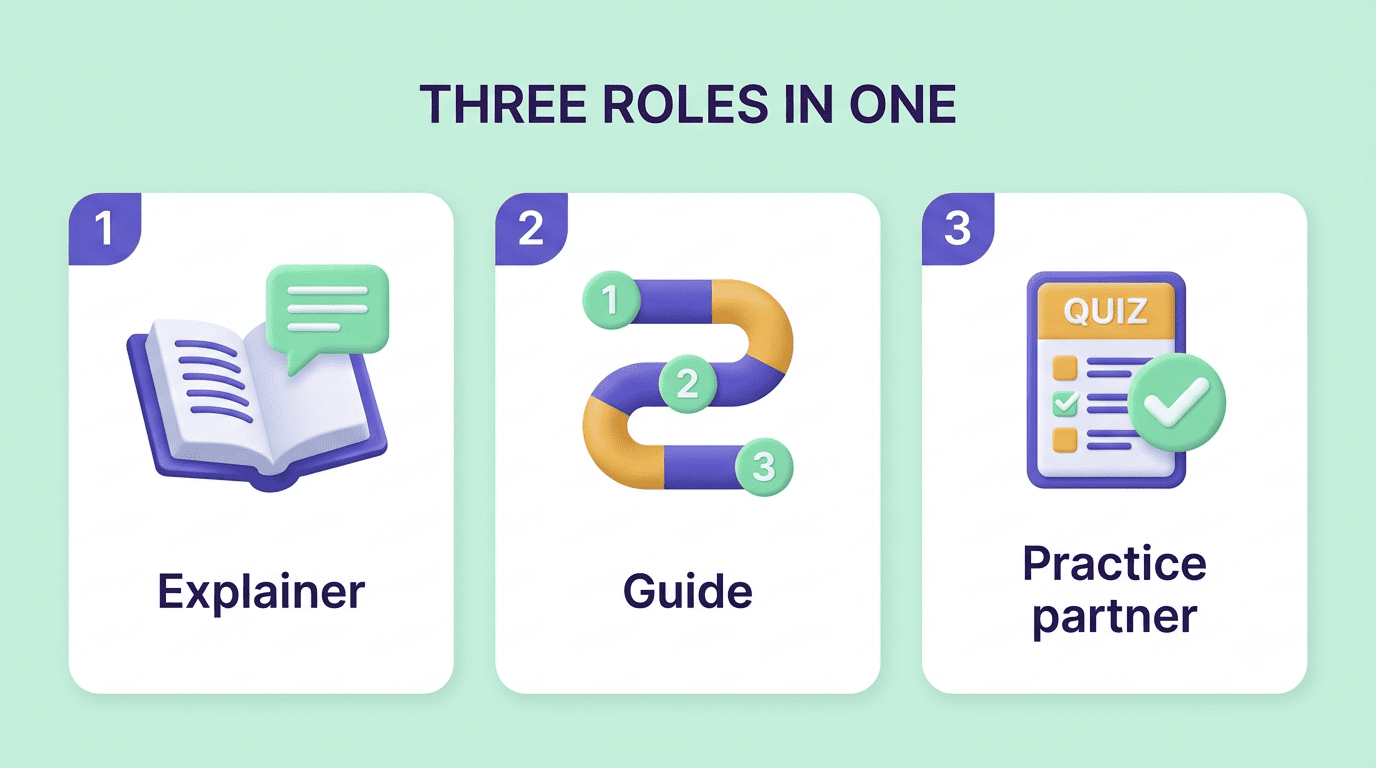
It works as three tools in one:
- A plain-language explainer that rewrites jargon-heavy material in everyday words.
- A guide that walks you through a topic step by step instead of dumping the whole thing at once.
- A practice partner that quizzes you afterward so you find out whether the explanation actually stuck.
From a wall of text to a clear idea
Paste a paragraph you don’t understand and ask for the big idea first, then a simple example. Good explainers also summarize dense technical material and flag the one or two ideas that actually matter, instead of restating every sentence at the same level of importance. That single habit — big idea before details — is the difference between a tool that saves you time and one that just adds more text to read.
| What you paste | What a good explainer returns |
|---|---|
| A textbook paragraph | The one core idea, in one sentence |
| A confusing formula | What each part means, in plain words |
| Lecture notes | A simple example plus a follow-up question |
| A vocabulary-heavy definition | The same definition without the jargon |
How AI makes hard concepts simple
Plain language, examples, and analogies
The core trick is translation: replacing jargon with everyday words, then anchoring the idea to something you already know. A strong prompt is «explain this with an everyday analogy, then tell me where the analogy breaks down» — the second half stops you from over-trusting the metaphor. A classic example: comparing computer memory to a kitchen counter works right up until you ask what happens when the counter is full, and that’s exactly where the real learning starts.

A good analogy request usually includes three parts:
- The concept you’re stuck on, stated in one sentence.
- A request for a comparison to something ordinary and familiar.
- A follow-up asking exactly where that comparison stops being accurate.
Explain it at your level (ELI5 to expert)
The same concept can be explained «like I’m five,» at standard course level, or at expert depth. Start simple to get the shape of the idea, then climb to the level your exam actually tests. This matters because a five-year-old’s version of photosynthesis and a biology exam’s version share almost no vocabulary, and jumping straight to the technical definition is often what made the topic feel impossible in the first place.
The first principle is that you must not fool yourself — and you are the easiest person to fool.
Richard Feynman, «Cargo Cult Science,» Caltech commencement address, 1974
The Feynman technique, supercharged by AI
Physicist Richard Feynman’s method is simple: if you can’t explain something in plain words, you don’t really understand it yet. The idea has outlived him because it converts a vague feeling of «I think I get it» into a concrete test you can actually fail — and then fix.
Teach it back to the AI
Explain the concept back to the AI in your own words and let it play the curious student — asking questions, spotting gaps, and pointing out where your explanation goes fuzzy. This flips the usual direction: instead of the AI lecturing you, you’re the one doing the talking, which is exactly where the Feynman technique gets its power.
Why self-explanation beats re-reading
Re-reading feels productive but is mostly passive — your eyes move, but the ideas rarely get restructured in your head. Explaining an idea yourself forces you to connect the pieces, notice contradictions, and fill silent gaps, which is where real understanding and exam recall actually come from. A study AI assistant that quizzes you and reacts to your answers keeps that loop honest, because it will catch a gap you’d otherwise skim right past.
Are AI explanations accurate? How to check
AI explanations are clear, but clarity isn’t the same as correctness. Language models can state a wrong fact or a subtly off definition with total confidence — a failure mode known as an «AI hallucination.» Treat an explanation as a strong first draft of understanding, then verify the specifics against your textbook, lecture notes, or instructor before you rely on them for a test. Analogies especially deserve a second look: they simplify by design, so ask where each one stops being true before you build an answer on top of it.
| Signal | What to do |
|---|---|
| Confident tone, no source | Verify against your textbook or notes |
| A number, date, or formula | Cross-check with the original material |
| An analogy | Ask where it breaks down |
| Matches your class notes | Safe to rely on for review |
Is using an AI concept explainer cheating?
Using an explainer to understand a concept is studying — the same as asking a tutor or a smart friend to walk you through it. Copying an AI-written explanation or answer and submitting it as your own is not, and it can violate your school’s academic-integrity policy, as outlined by the International Center for Academic Integrity, even when the content happens to be correct.
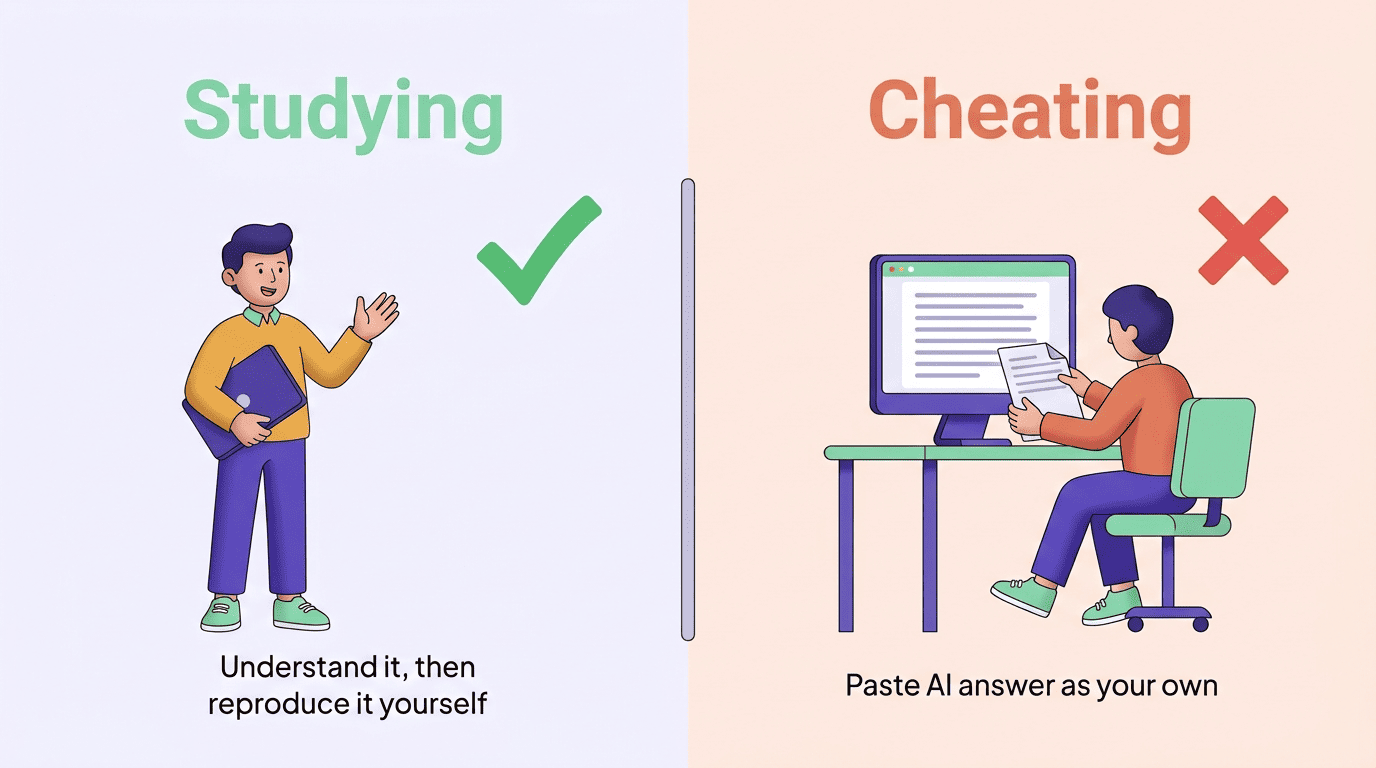
The honest test: after the session, could you explain and reproduce the idea on your own, with the tool closed? If yes, it worked. If you’d be lost without the tool in the room, you copied instead of learned.
A quick way to tell the two apart:
- Studying: you read the explanation, then close it and explain the idea yourself.
- Studying: you use the AI to check whether your own draft answer makes sense.
- Cheating: you paste an AI-written answer into an assignment and submit it as your own.
- Cheating: you skip your own draft entirely and let the AI’s wording become the final answer.
Always follow your instructor’s rules on when AI help is allowed, since policies vary by class and even by assignment.
How to get real understanding from an explainer
Turning a good explanation into something you actually remember takes a few extra steps beyond just reading the answer:
- Ask for the big idea before any details.
- Request an everyday analogy, and ask where it breaks down.
- Explain the concept back in your own words, out loud or in writing.
- Let the AI act as the curious student and point out the gaps.
- Quiz yourself on the concept without looking at the explanation.
- Turn every gap you find into a flashcard for later review.
Skipping straight to step six — flashcards with no explaining-back in between — is the most common shortcut, and it’s also why flashcards alone often don’t stick. An AI for studying helper that explains, questions, and quizzes in one place makes the full loop happen instead of stopping at «makes sense, I guess.»
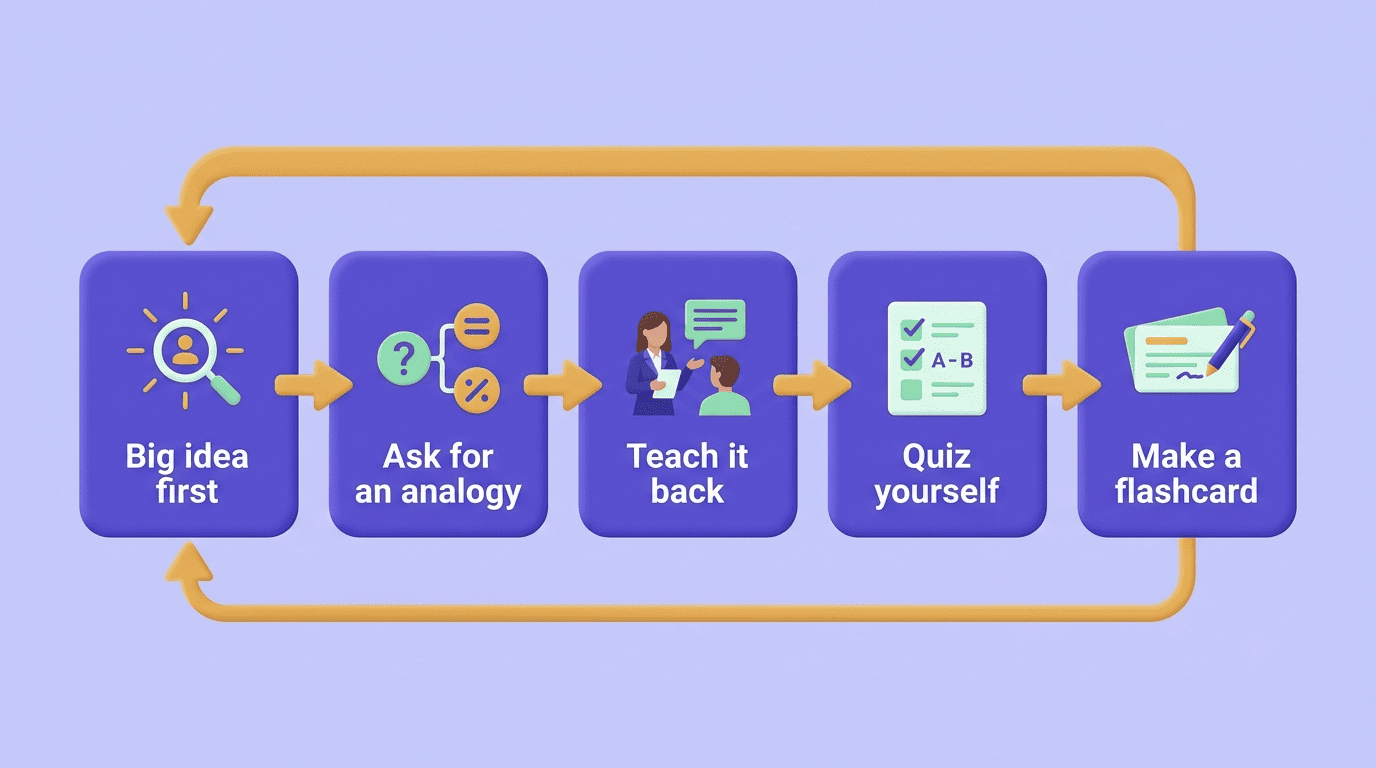
A few habits make this loop even more reliable:
- Explain concepts in your own words before checking them against the source.
- Ask «where does this analogy break?» every time you’re given one.
- Verify any number, date, or named fact against your course material.
- Quiz yourself a day later, not just right after the explanation.