
Study AI for Students: What It Does and How to Use It to Actually Learn
A study AI is an assistant that helps you learn a subject — it explains confusing topics in plain words, turns your notes and lectures into summaries, and builds flashcards and practice quizzes so the material actually sticks. A good study AI works like a tireless study buddy: available at midnight before the exam, endlessly patient, and focused on helping you understand rather than handing you answers to copy.

This guide covers what a study AI does, the learning science that makes it work, how to use one honestly, and how to prep for an exam with it — without crossing into cheating.
What a study AI does for students
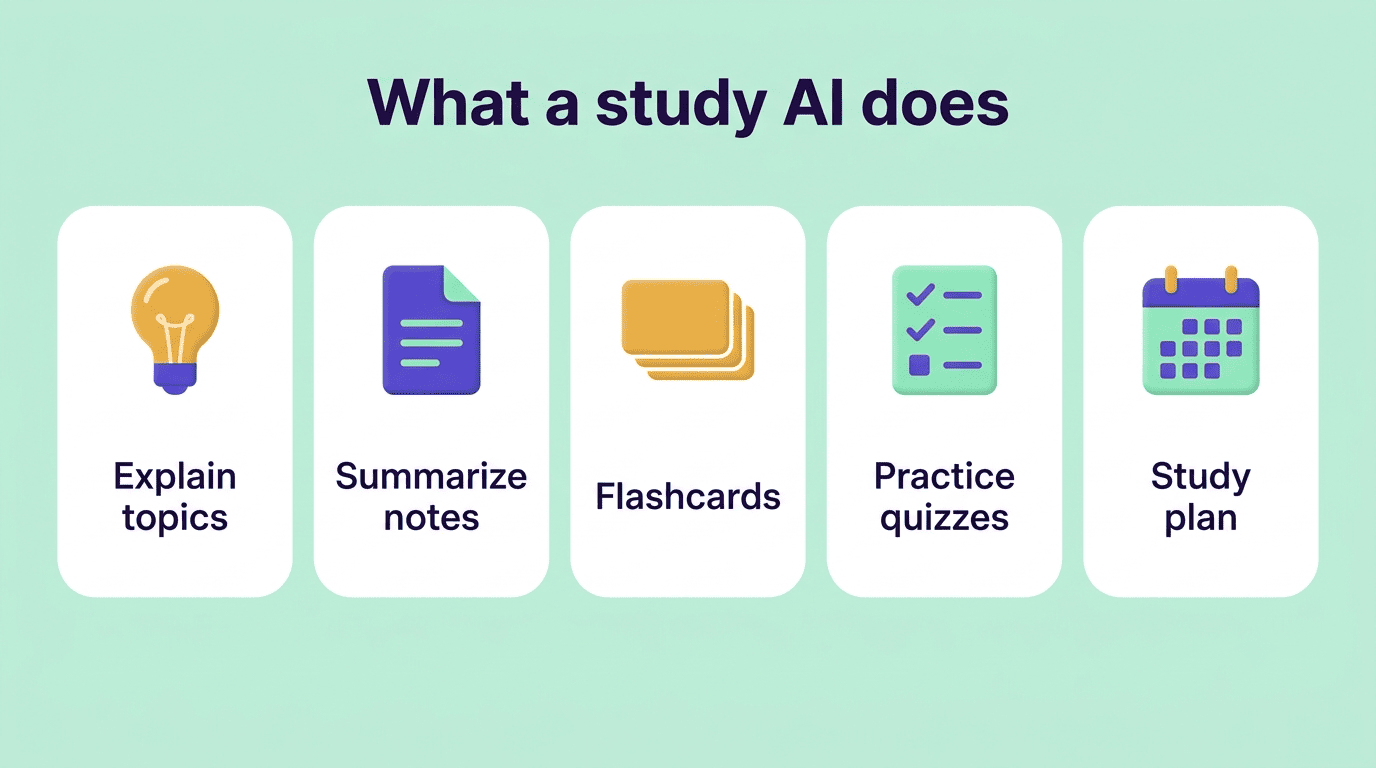
A study AI bundles several study jobs into one assistant:
- Explains topics in plain language, at whatever level you need.
- Turns notes and lectures into summaries, pulling out the ideas that matter.
- Generates flashcards automatically from your material.
- Creates practice quizzes with instant feedback so you can test yourself.
- Builds a study plan and helps you prep for exams.
From passive notes to active practice
Writing a solid set of practice questions by hand takes real time; an AI study tool generates them in seconds, so you spend your time answering questions instead of writing them. That shift — from making materials to actually practicing — is where the time savings turn into better grades. The point isn’t fewer hours studying; it’s more of those hours spent on the kind of practice that actually builds memory.
How a study AI stacks up against other tools
Students already lean on a handful of tools for this kind of work. Here’s roughly where a study AI fits next to the others:
| Tool | What it’s built for | Main limitation |
|---|---|---|
| AI study assistant | Explains, summarizes, and generates flashcards/quizzes from your own material | Answers still need verifying against course sources |
| Anki | Spaced-repetition flashcard review (free, open-source) | You build the cards yourself, no summarizing or explaining |
| Google NotebookLM | Summarizes and answers questions grounded in uploaded sources | Not built around quizzing or spaced review |
| Re-reading notes | Familiar, low effort | Weakest method for long-term retention |
The learning science: why a study AI works
Active recall beats re-reading
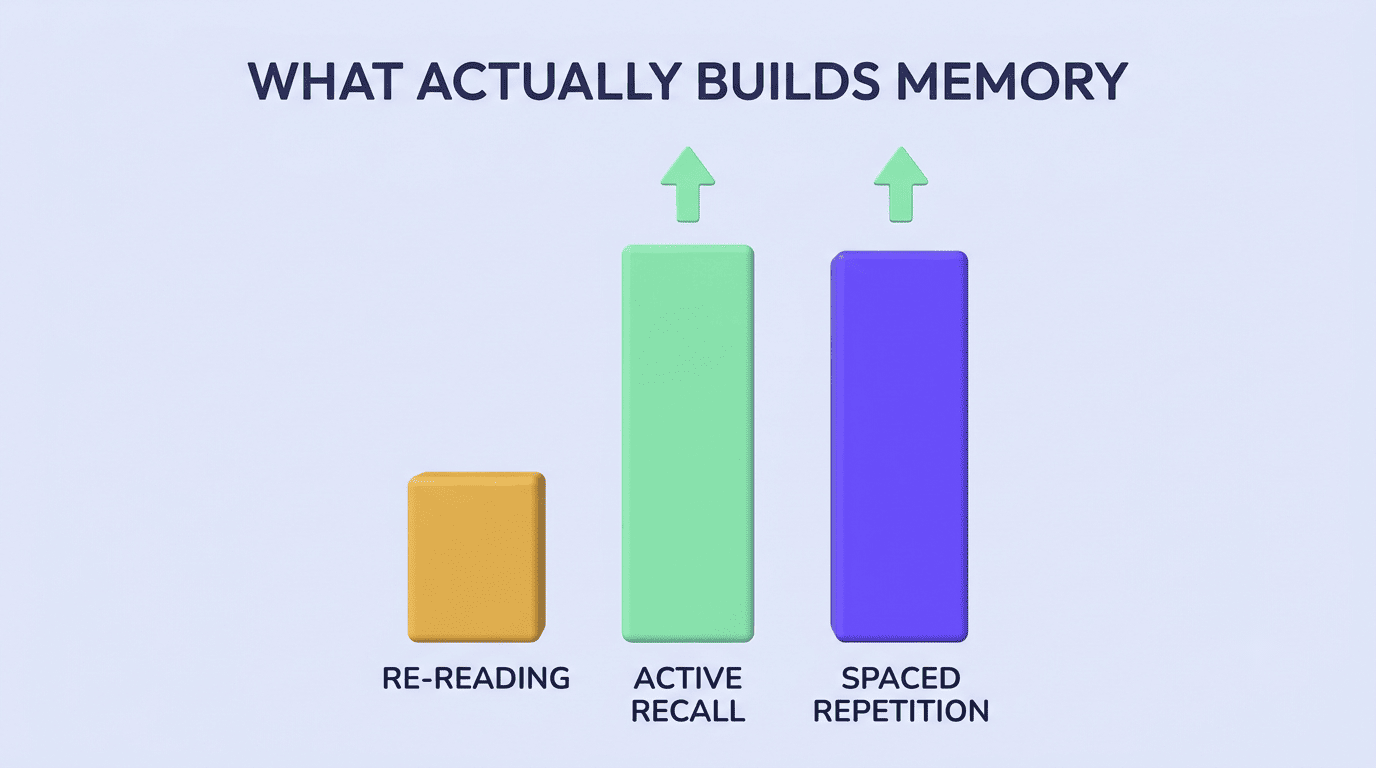
Testing yourself — retrieval practice — is one of the most reliable ways to learn. Research on the «testing effect» finds that students who quiz themselves substantially outperform those who just re-read notes. An AI study tool makes this effortless by generating the quizzes for you instead of leaving you to write your own.
Spaced repetition schedules the reviews
Reviewing material at increasing intervals — spaced repetition — fights forgetting far better than cramming. Tools like Anki built a whole method around it; a study buddy AI can schedule your flashcard reviews so the right cards resurface right before you’d otherwise forget them, rather than at random.
How to use a study AI honestly (not to cheat)
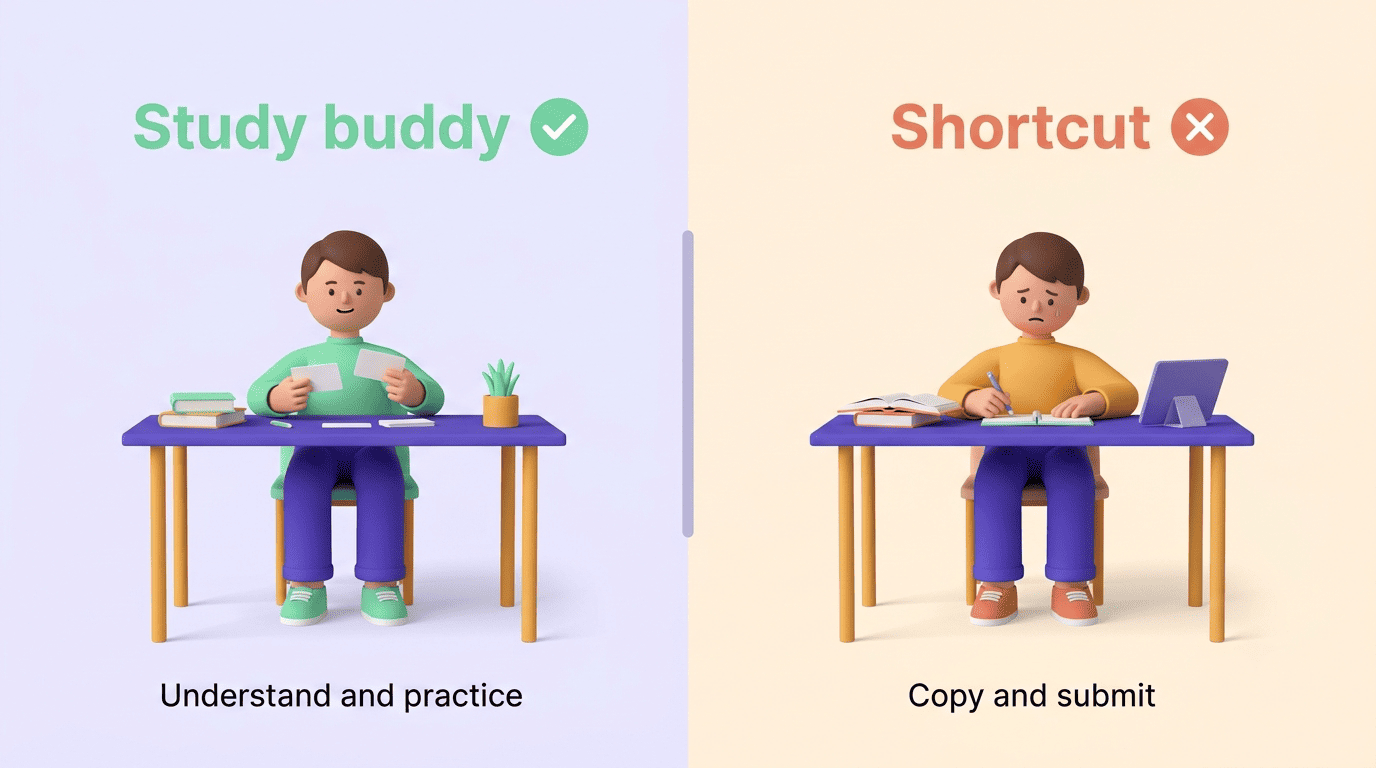
The honest line is simple: use a study AI to understand and practice, not to produce work you submit as your own. It’s a study buddy, not a shortcut.
Follow your course policy — and disclose
Policies vary by course, and even by assignment within the same course. Cornell’s teaching center notes that «policies concerning the use of generative artificial intelligence (AI) tools will be decided on an assignment-by-assignment basis,» and lays out four common frameworks instructors use:
| Policy type | What it means for you |
|---|---|
| AI-free | No AI use on the assignment, full stop — check your syllabus before opening any tool |
| Permitted with attribution | You can use AI, but must cite it like any other source |
| Encouraged with attribution | Instructor wants you using AI, still cite it |
| Assignment-by-assignment | Rules change per task — don’t assume last week’s policy still applies |
Whatever the policy, disclose that you used AI when required, and attribute AI output to the tool rather than to a person. The bottom line: it’s your name on the work, so you have to own it and be able to explain it out loud.
Inform and remind students that they should expect to verbally explain the work they submitted.
Cornell Center for Teaching Innovation
That standard is a good gut check for AI use generally: if you can’t explain a step of your own work without the tool open, that step wasn’t really learned yet.
The «explain it yourself» test
If you could re-explain and reproduce the material with the tool closed, you studied. If you couldn’t, you copied. Use a study AI app to get to the first outcome — understanding you keep — not the second.
Are AI study answers always right? Verify first
AI explanations and summaries are fast, but not automatically correct — language models can state a wrong fact or invent a citation with total confidence, a failure mode known as an «AI hallucination.» It’s a well-documented limitation, not an edge case: the more specific or obscure the detail, the more likely a model is to fill in a plausible-sounding gap rather than admit it doesn’t know.
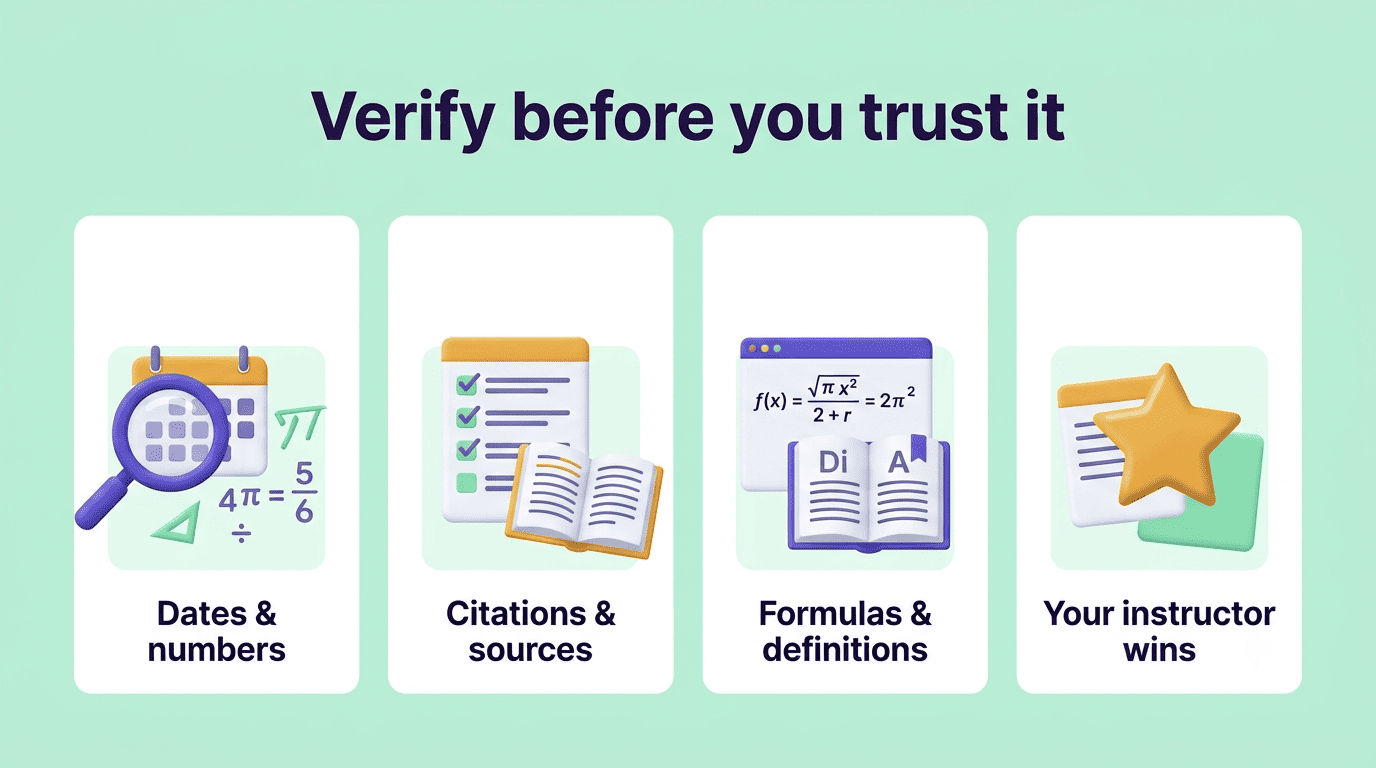
Before you rely on a summary or an answer for a graded assignment, cross-check the specifics against your textbook, lecture notes, or instructor. Treat the study AI as a fast first draft of understanding you then confirm, not a finished answer key.
A few things are worth double-checking every time, especially before an exam or a submitted assignment:
- Dates, names, and numbers — the details a model is most likely to guess at when it doesn’t actually know them.
- Citations and sources — verify a quoted source exists and says what the AI claims before you cite it yourself.
- Formulas and definitions — confirm against your textbook or lecture slides, not just the AI’s phrasing.
- Anything that contradicts what your instructor said in class — your instructor’s version wins.
How to prep for an exam with a study AI
An AI study assistant turns a vague «I should review» into a concrete plan:
- Upload your notes or syllabus and ask for a study plan by exam date.
- Have it summarize each topic, then generate flashcards from the summary.
- Quiz yourself — don’t re-read — and let it flag your weak spots.
- Space your reviews over several days instead of cramming the night before.
- For anything that matters, verify it against your course material.
Done this way, an AI study assistant doesn’t just save time — it points your effort at the study methods that actually move a grade, and keeps you inside the honest-use line the whole way through.